
01
Answer the buying question
Show the available nutrition, allergen and climate information beside the products your customer is considering.
CONSUPEDIA FOR WHOLESALERS
What would you like to achieve? Pick a goal to see the value, the right Consupedia tools and your next step.
Explore the full storyWHAT MATTERS TO YOU?
FOR WHOLESALERS
Help customers find the right product, compare what matters and build their order. Make your catalogue more useful at the moment of purchase.
Built through research collaboration with KTH Royal Institute of Technology and Dalarna University.
THE CUSTOMER'S QUESTION
WITH CONSUPEDIA PRODUCT INFORMATIONCompare relevant facts before adding to the order.
THE VALUE FOR YOUR BUSINESSMake your catalogue a better place to buy.
FROM PRODUCT INFORMATION TO A BUYING REASON
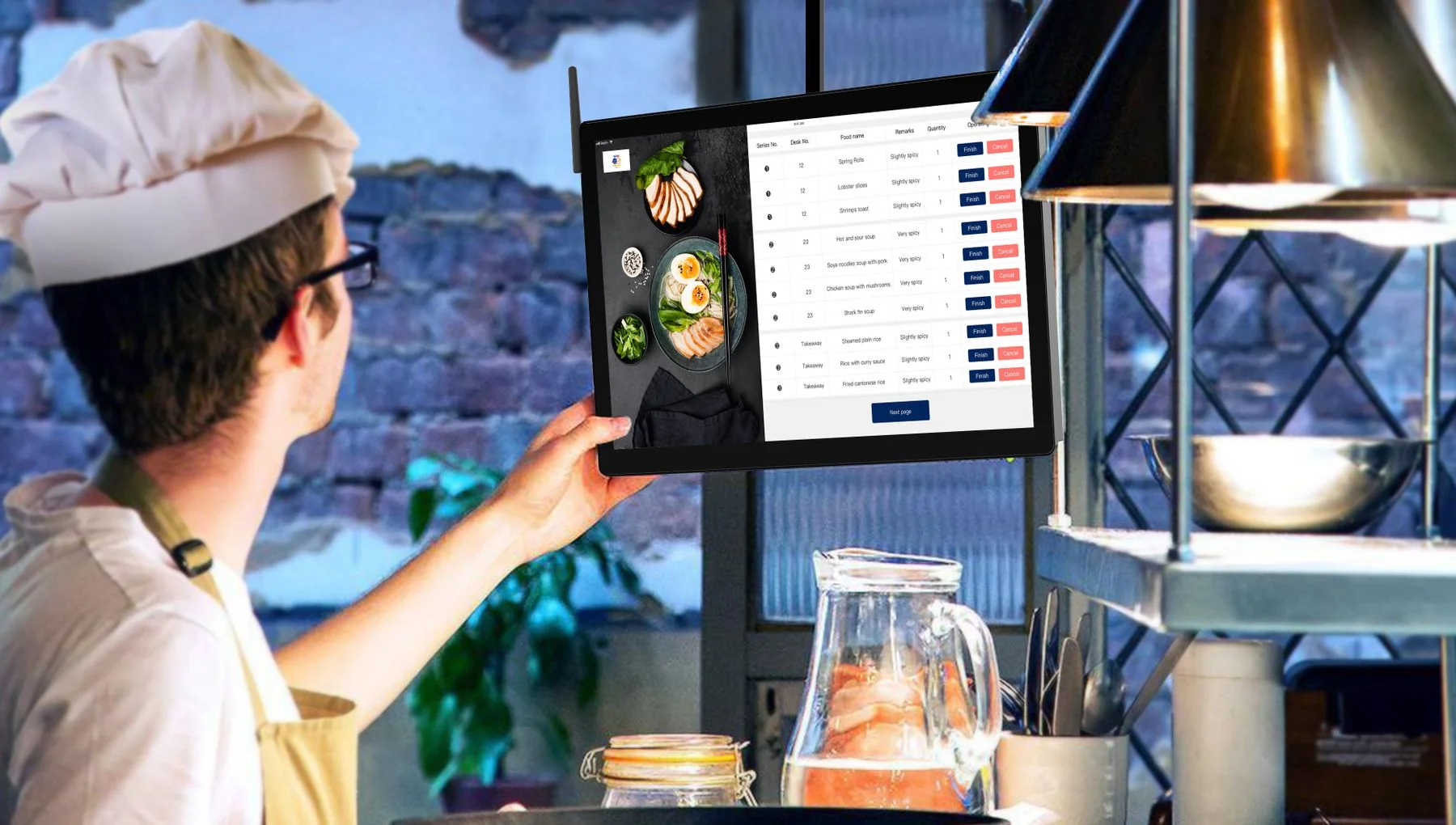
A chef should be able to answer product questions while building an order. Put useful information into your e-commerce journey and make the value of buying from you easier to see.
Show the available nutrition, allergen and climate information beside the products your customer is considering.
Support product filters and comparisons that help a customer find an option that fits the menu and their priorities.
Let the customer use that information in your existing catalogue and basket, with fewer questions left for customer service.
EXPLORE THE RIGHT TOOLS
Explore the services behind this use case, or talk to us about the combination that fits your team.
A PRACTICAL FIRST STEP
See how the product information could support a real decision in your business. Start with a small sample and choose the outcome you want to evaluate.
Show me with my cataloguePossible pilot measures, using your own business data:
Opens our contact form with a prefilled message.
You can also reach us via the contact form.
Choose one product category or share a small GTIN sample.
Review match coverage, useful attributes and a possible customer-facing product comparison.
Define one category, one delivery format and clear acceptance criteria for a quoted pilot.